Before you start: three things to confirm
- Your domain is authenticated. DKIM and SPF records need to be live. Without them, Gmail and Yahoo route you to spam by default as of February 2024.
- Your list is clean. If you imported a CSV more than 90 days ago and haven't mailed it, expect 5–15% bounces. Run a re-engagement campaign first or segment to recent subscribers.
- You have one clear goal. "Sell the new book," "drive 200 preorders," "get 50 ARC signups." Not three goals. One.
If any of those three are shaky, fix them before drafting. A beautiful blast to a dirty list still hurts you.
Step 1: Open the campaign composer
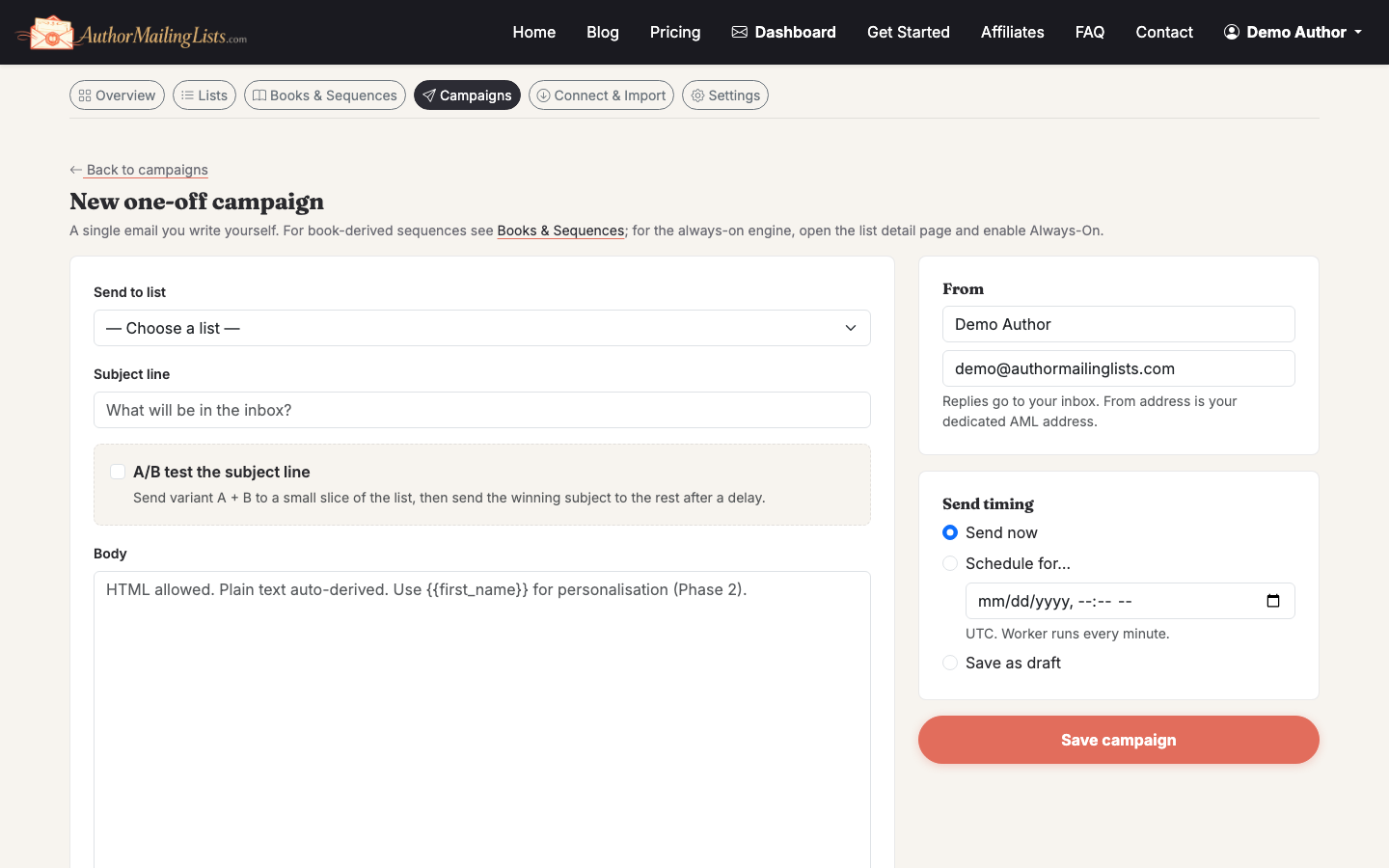
From the dashboard, click Campaigns in the left nav, then New Campaign. Pick Email Blast as the campaign type (versus Always-On newsletter or automated sequence).
Step 2: Choose your audience
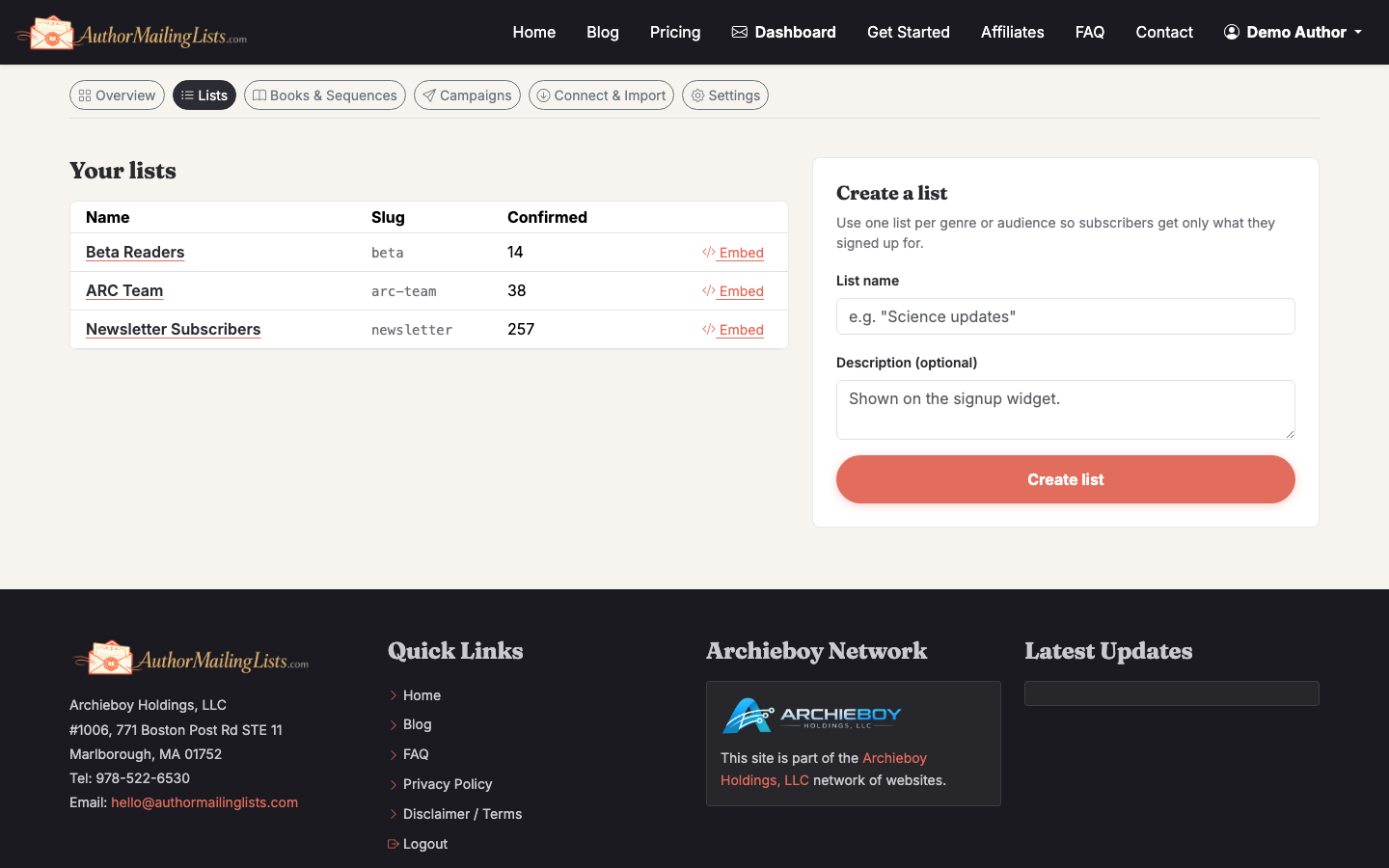
Select the list you want to send to. If you have more than 2,000 subscribers, segment by engagement — opened in the last 90 days is a safe default. New senders often blast their full list and get flagged for low engagement; sending to your active 60% first warms the campaign before you hit cold subscribers.
If you're still building your list, see How to Grow Your Email List before you spend time on design.
Step 3: Write the subject line and preheader
The subject line decides whether anyone reads the rest. Two rules:
- Keep it under 50 characters so mobile doesn't truncate it.
- Make a specific promise. "New book out" loses to "Ridgeline #4 is live — first chapter inside."
The preheader is the gray text after the subject in the inbox. Don't waste it repeating the subject. Use it to extend the hook.
Step 4: Design the email
For authors, plain-text-style emails outperform heavy HTML templates by a wide margin. Readers signed up because they like your voice. Show it.
A reliable structure:
- One-line opener that sounds like you
- The news (book launch, sale, event) in two short paragraphs
- A single primary call to action — one button, one link
- A P.S. with a secondary link or a personal note
If you want a branded header image, keep it under 600px wide and under 200KB. Always include alt text — many subscribers read with images off.
Step 5: Set up an email blast template you can reuse
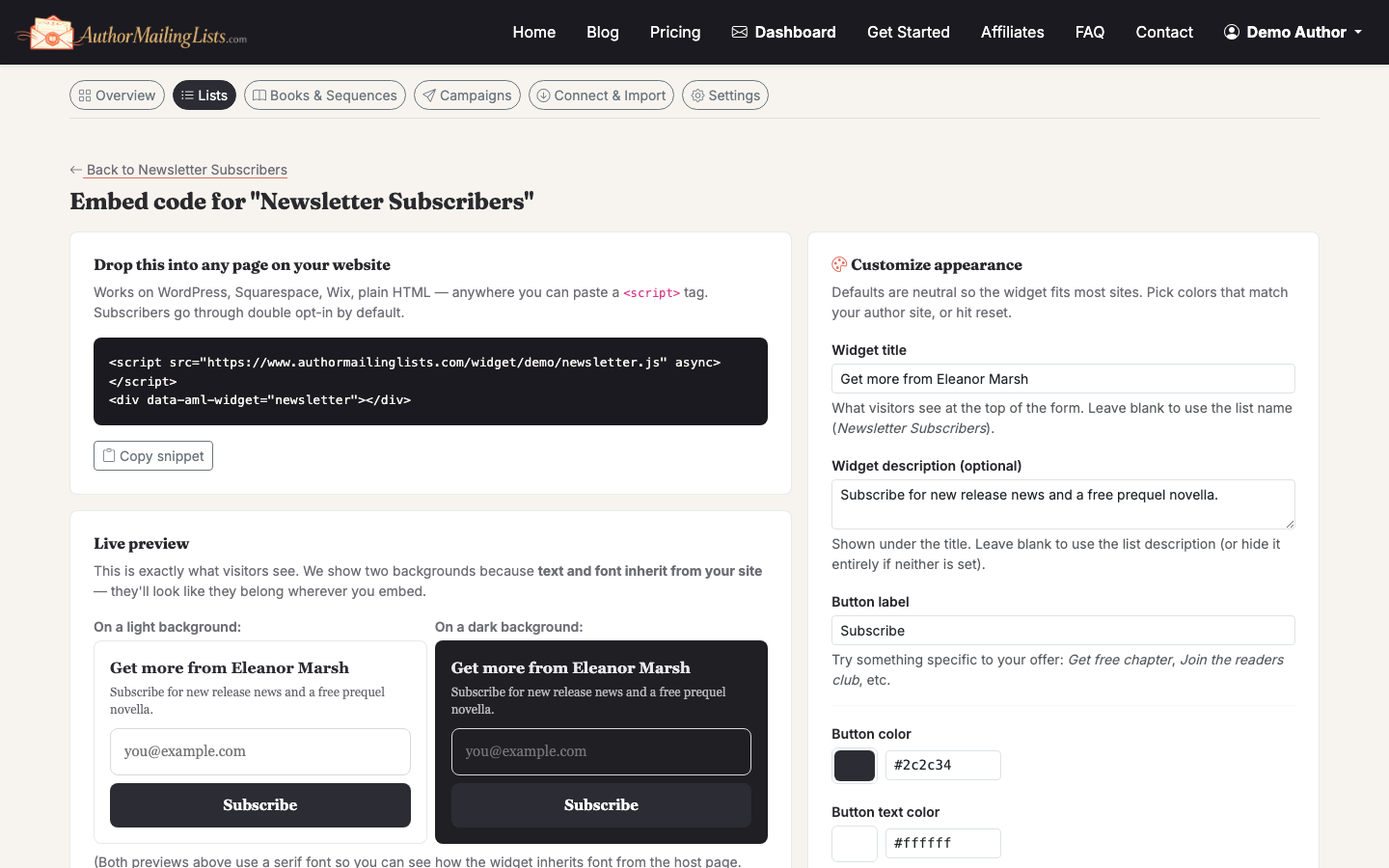
Once a layout works, save it. In the composer, click Save as Template and name it something you'll recognize six months from now ("Launch — single image + CTA" beats "Template 4"). Next time, you start from the working version instead of a blank page.
Step 6: Run an A/B subject test
If your list is over 1,000 subscribers, A/B test two subject lines on 20% of the list, then send the winner to the remaining 80%. The composer handles the split and the timing automatically — you just write two subjects.
Don't test design and subject in the same campaign. You won't know which variable moved the number.
Step 7: Send yourself a test
Send a test to at least three inboxes: Gmail, Outlook, and your phone. Check:
- Does the from-name look right? ("Jane Doe" not "jane@")
- Do links work and point to the right URL with tracking parameters?
- Does the email render in dark mode without disappearing text?
- Does the unsubscribe link work?
This takes four minutes and catches embarrassing mistakes 90% of the time.
Step 8: Schedule or send
For most author audiences, Tuesday through Thursday between 9am and 11am in your readers' primary timezone performs best. Saturday morning is a strong second for fiction. Avoid sending right before a major holiday — your message gets buried.
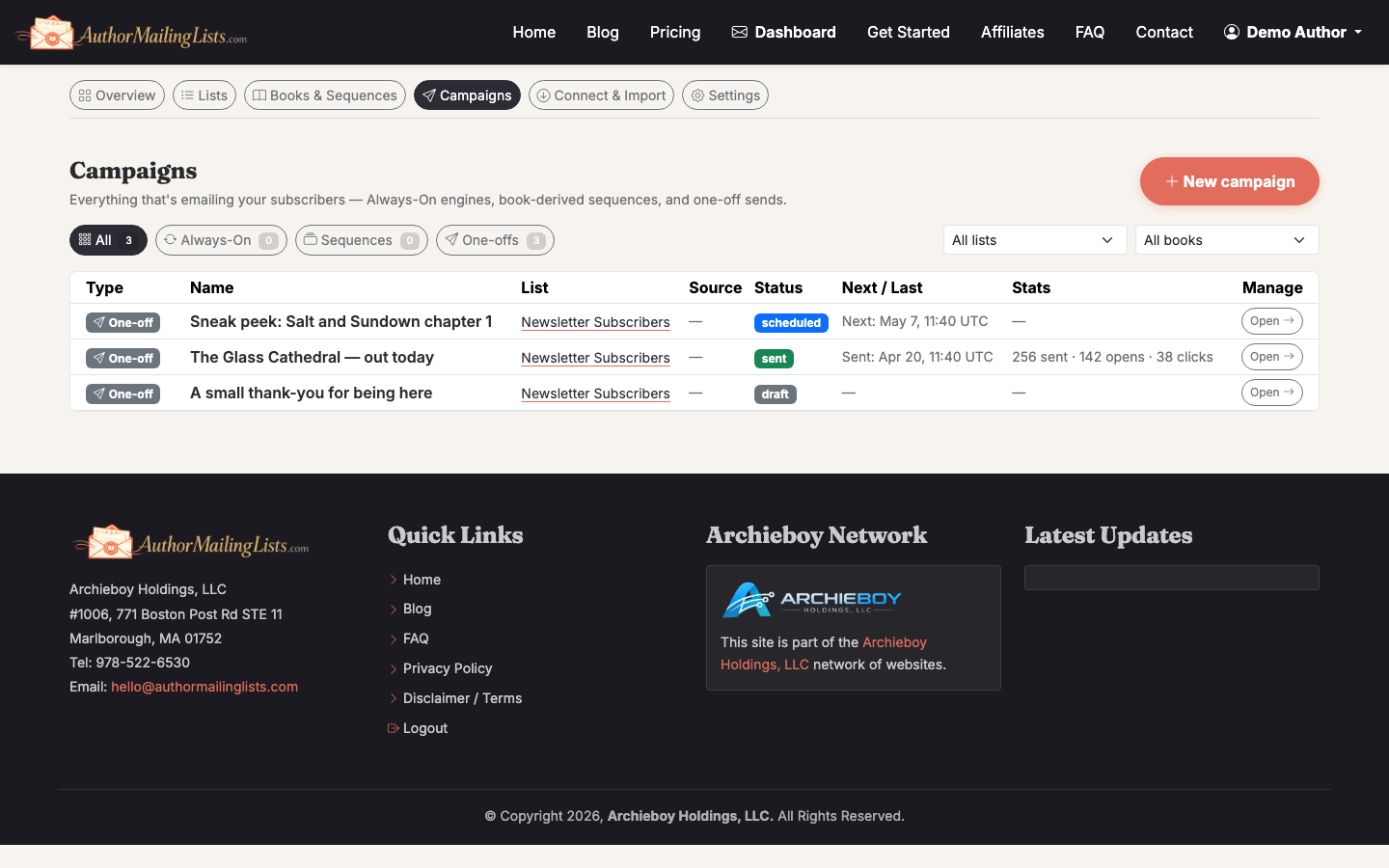
Click Send (or Schedule) and resist the urge to refresh the dashboard for the next hour. Bounces and unsubscribes happen on every send — they're normal up to about 2% bounce and 0.5% unsubscribe. Above that, look at list hygiene.
After the send: read the report
Give it 48 hours, then check open rate, click rate, and unsubscribes. Compare against your last three blasts, not against industry averages — your list is yours. If opens dropped meaningfully, the subject line is the first suspect. If clicks dropped, the call to action is.
Need to keep the momentum going between launches? The Always-On weekly newsletter drafts itself from your book catalog so you stay in inboxes without writing from scratch every week. And if you're still building the list itself, start with how to make an email list.
Related guide: How to Create an Email Marketing Campaign. Use the campaign guide to decide whether your blast should be a one-off send or part of a sequence.