What "automated" actually means
Marketing automation isn't one feature — it's a stack of small decisions a tool makes on your behalf so you don't have to log in every Tuesday. For authors, the high-leverage ones are:
- Triggered emails — fired by an event (someone signs up, clicks a link, hasn't opened in 60 days).
- Scheduled campaigns — drafted once, queued to send later.
- Recurring content — a weekly or monthly newsletter that pulls from a content source rather than a blank page.
- List hygiene — bounces removed, complaints suppressed, inactive subscribers segmented out automatically.
If you set up all four, you can go a month without touching your email tool and still send 4–6 useful emails to your readers. That's the bar.
Step 1: Build the list before you automate anything
Automation amplifies whatever you point it at. Pointed at 12 subscribers, it's a rounding error. Get the signup widget on your book site first — see How to Make an Email List (From Scratch) if you're starting fresh, or How to Grow Your Email List if you have one but it's not moving.
A reasonable target before you bother with automation: 200 confirmed subscribers. Below that, hand-write everything; you'll learn what your readers respond to.
Step 2: Set up your lists and double opt-in
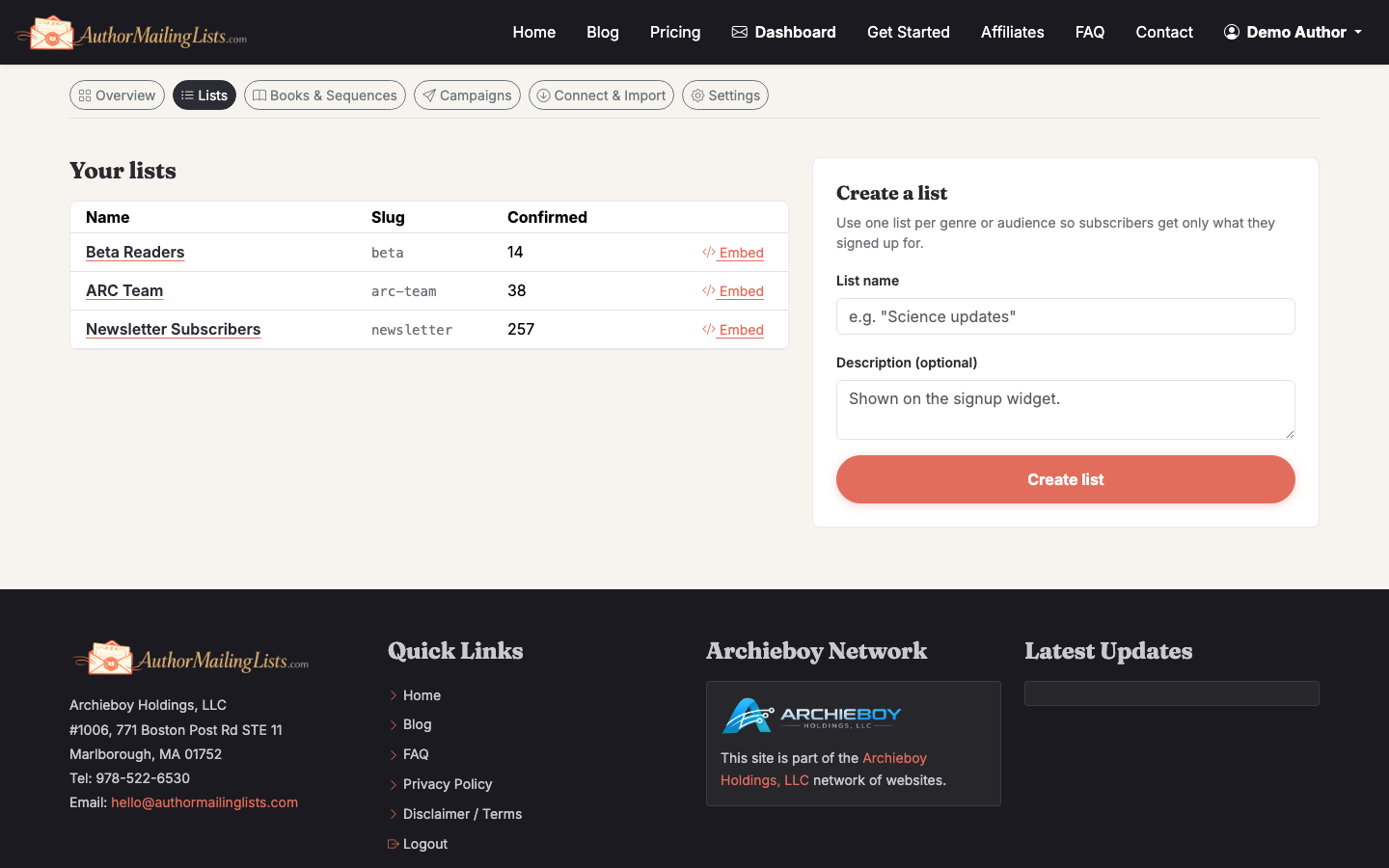
In AuthorMailingLists.com, go to the Lists tab and create one list per audience you'll actually segment differently. For most fiction authors that's one list per series, plus a general "new release" list. Don't over-engineer this — 2–3 lists is plenty.
Turn on double opt-in. Yes, you'll lose roughly 15–25% of signups at the confirmation step. You'll also keep your sender reputation clean, which matters more six months in than the extra subscribers do.
Step 3: Write a welcome email that triggers on signup
The welcome email gets opened 3–4× more than any other email you'll ever send. Don't waste it on "thanks for subscribing."
Good structure:
- One sentence on what they just signed up for and how often you'll email.
- The reader magnet (free chapter, novella, bonus epilogue) as a direct link, not an attachment.
- One question that invites a reply — replies train inbox providers that you're a real person.
In the campaign composer, set the trigger to "New subscriber confirmed" and the delay to 0 minutes. Done.
Step 4: Turn on the weekly Always-On newsletter
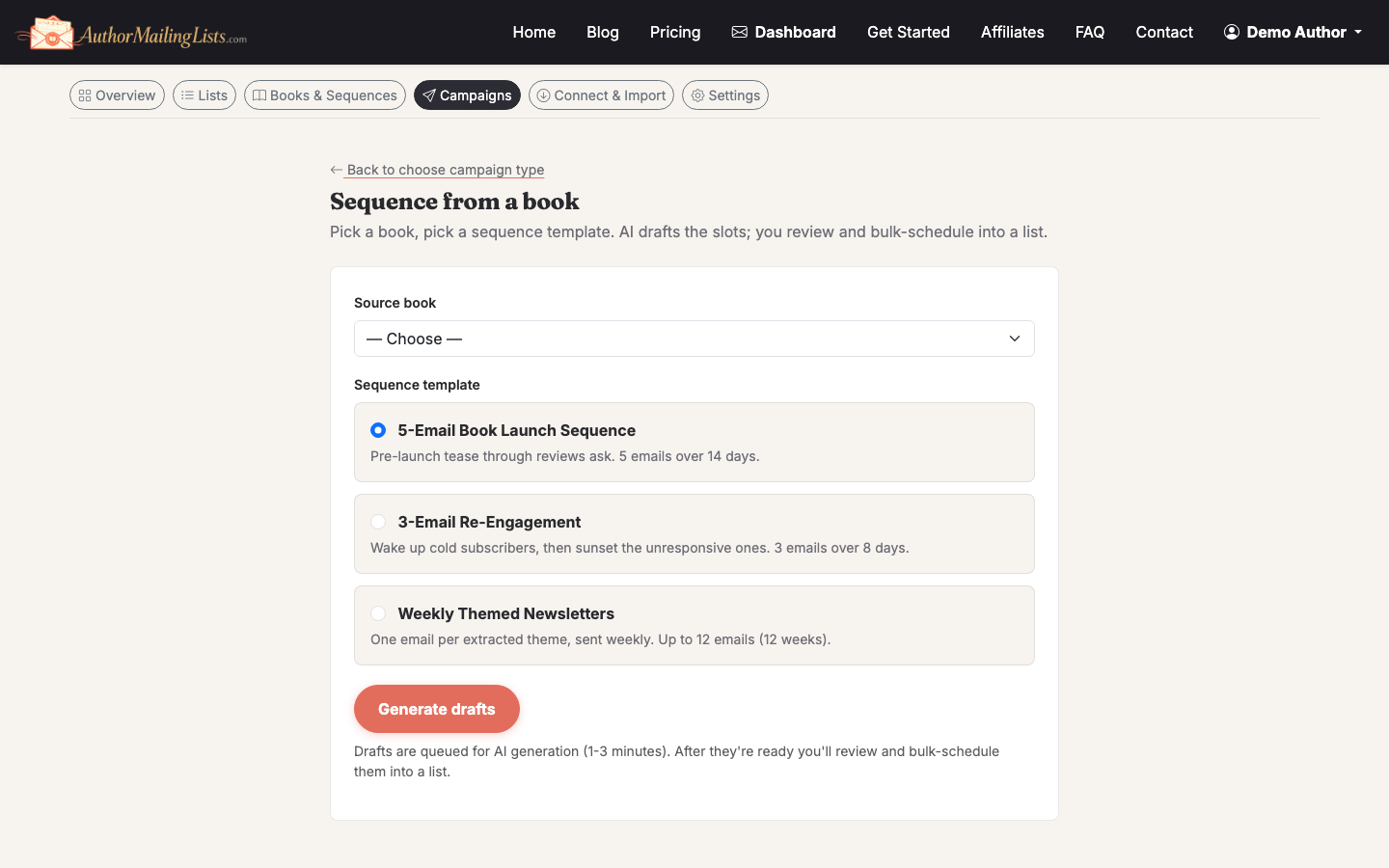
This is the one that saves authors the most time. Instead of staring at a blank email every Friday, the AI drafts a weekly newsletter from your book catalog — characters, themes, settings, behind-the-scenes notes you've added.
To set it up:
- Open the Books section and add at least 2–3 books with characters and themes filled in. The richer the catalog, the less generic the drafts.
- Go to Always-On and pick a send day and time. Tuesday or Thursday morning in your readers' timezone is a safe default.
- Choose whether drafts auto-send or wait for your approval. Start with approval-required for the first month so you can correct the AI's voice.
After four weeks of editing drafts, the system will have a strong sense of your voice and you can flip to auto-send if you want true hands-off.
Step 5: Build a launch sequence as a scheduled campaign
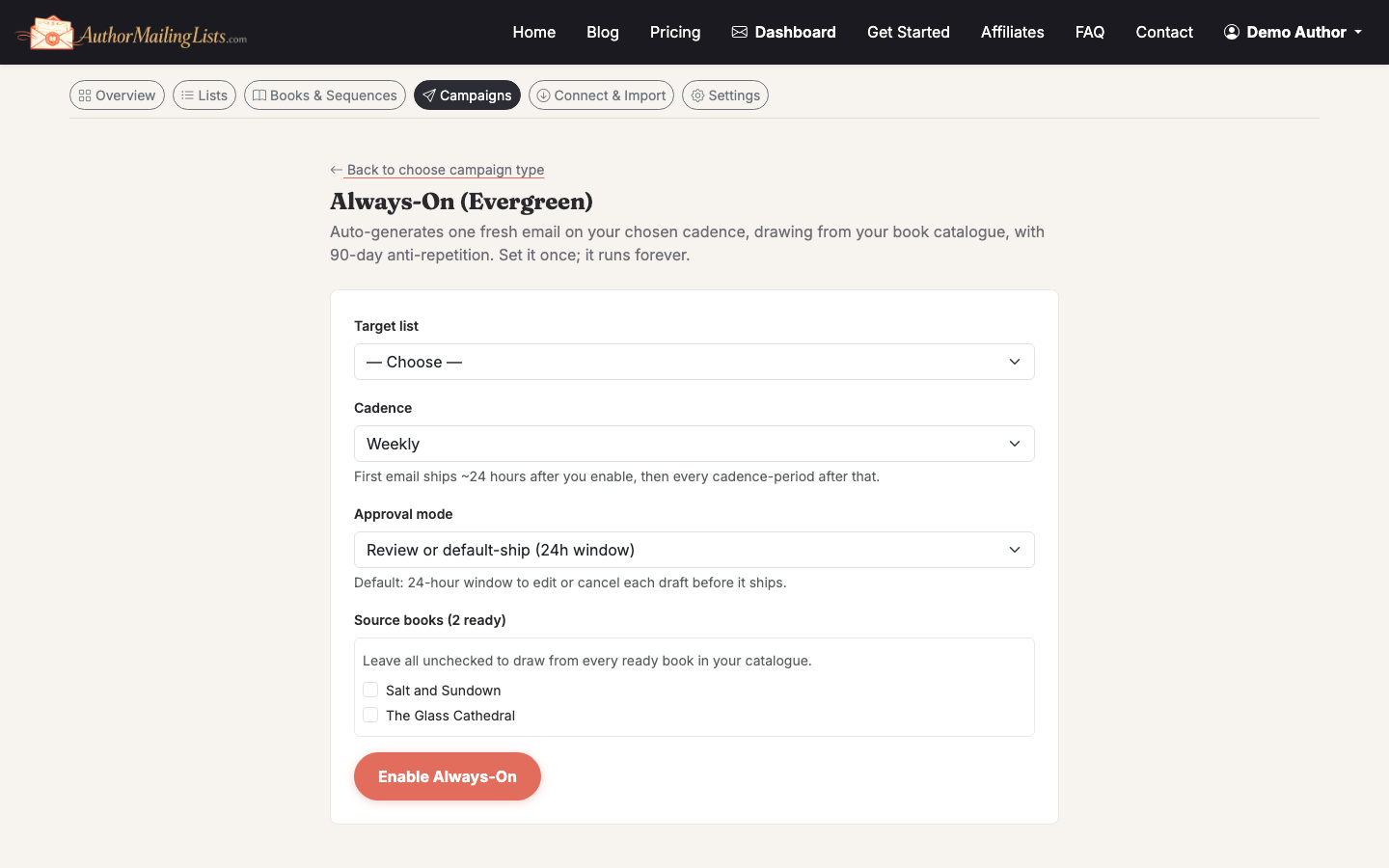
For a book launch, queue 4 emails in advance:
- T-14 days: cover reveal or pre-order announcement.
- T-3 days: excerpt or first chapter.
- Launch day: "it's live" with buy links.
- T+5 days: review request to people who clicked a buy link.
In the campaign composer, draft each one, schedule the send time, and set the recipient segment. The T+5 review request should target the clicked launch-day email segment — that's the automation that matters.
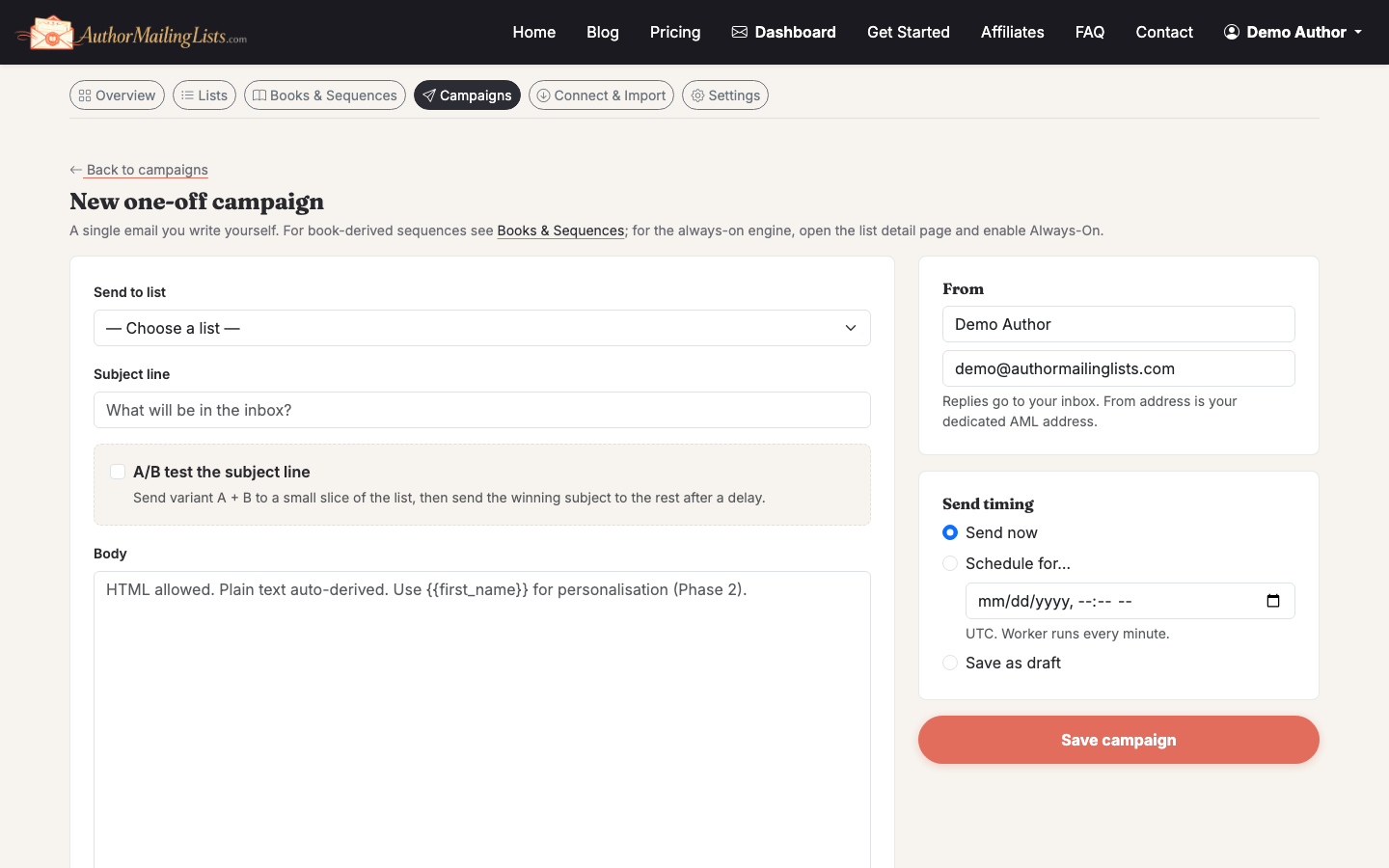
A/B test subject lines on the launch-day email. A 10% subject test on a 5,000-person list will tell you which line wins in about 2 hours; the remaining 80% goes out with the winner. Expected open-rate lift: 5–15%.
Step 6: Let segmentation and hygiene run themselves
Turn on engagement segmentation so subscribers who haven't opened in 90 days move to a low-engagement segment automatically. Send to them quarterly with a "still want this?" email. Anyone who doesn't reopen, remove.
Bounces and complaints should auto-suppress without you doing anything — confirm this is on. A 0.1% complaint rate is the threshold where Gmail starts throttling you. Auto-handling keeps you under it.
Tradeoffs worth naming
- Auto-drafted newsletters can sound generic if your book catalog is thin. Spend an hour adding character notes and themes; it pays back every week forever.
- Heavy automation hides problems. Check your dashboard once a week for open rate (aim 30%+), click rate (aim 2%+), and unsubscribe rate (under 0.5% per send is healthy).
- More automation isn't better automation. Five well-tuned flows beat fifteen half-configured ones.
If you're still importing readers from another tool, our guide on getting an email list for marketing covers the CSV import path and what to do about old, cold subscribers before you point any automation at them.